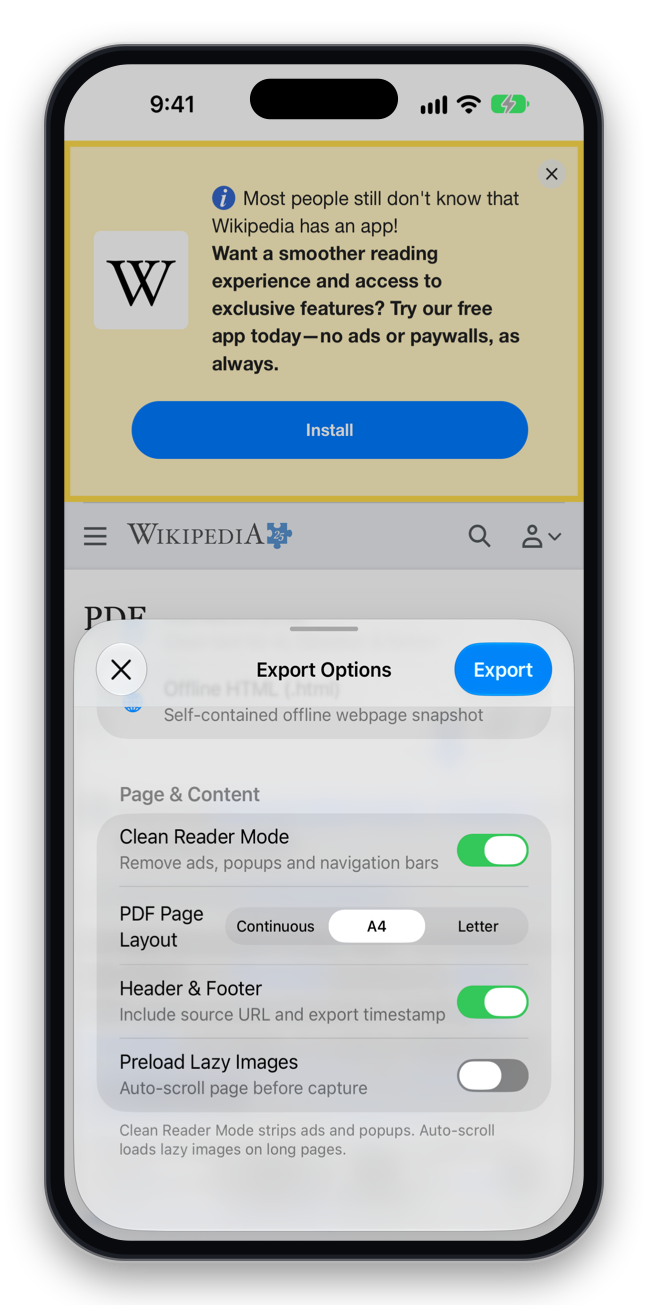
Clean Reader Mode
Removes ads, cookie banners, and popups. Export Continuous, A4, or Letter PDFs with source URL and date.
Strip ads, save crisp pages in 5 formats, redact private info, merge PDFs—all offline on your device.

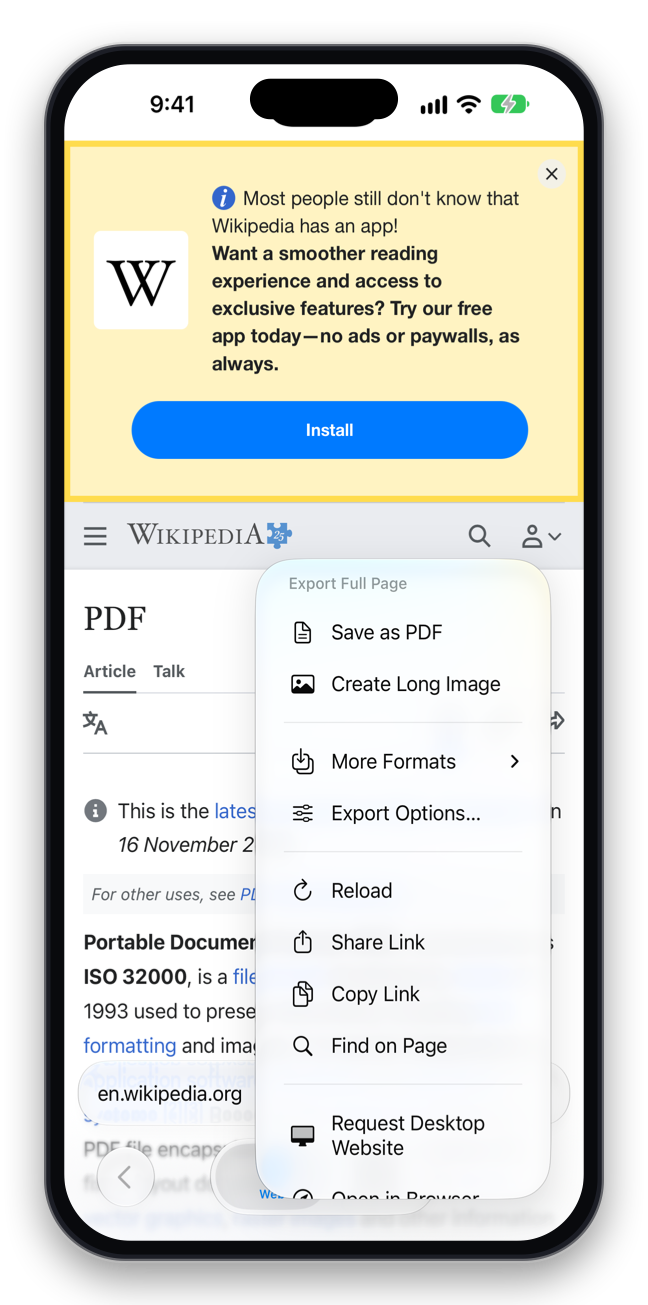
Five formats and essential editing tools—no clutter, no cloud lock-in.
Removes ads, cookie banners, and popups. Export Continuous, A4, or Letter PDFs with source URL and date.
Captures entire scrollable pages in one image, with automatic lazy-image preloading.
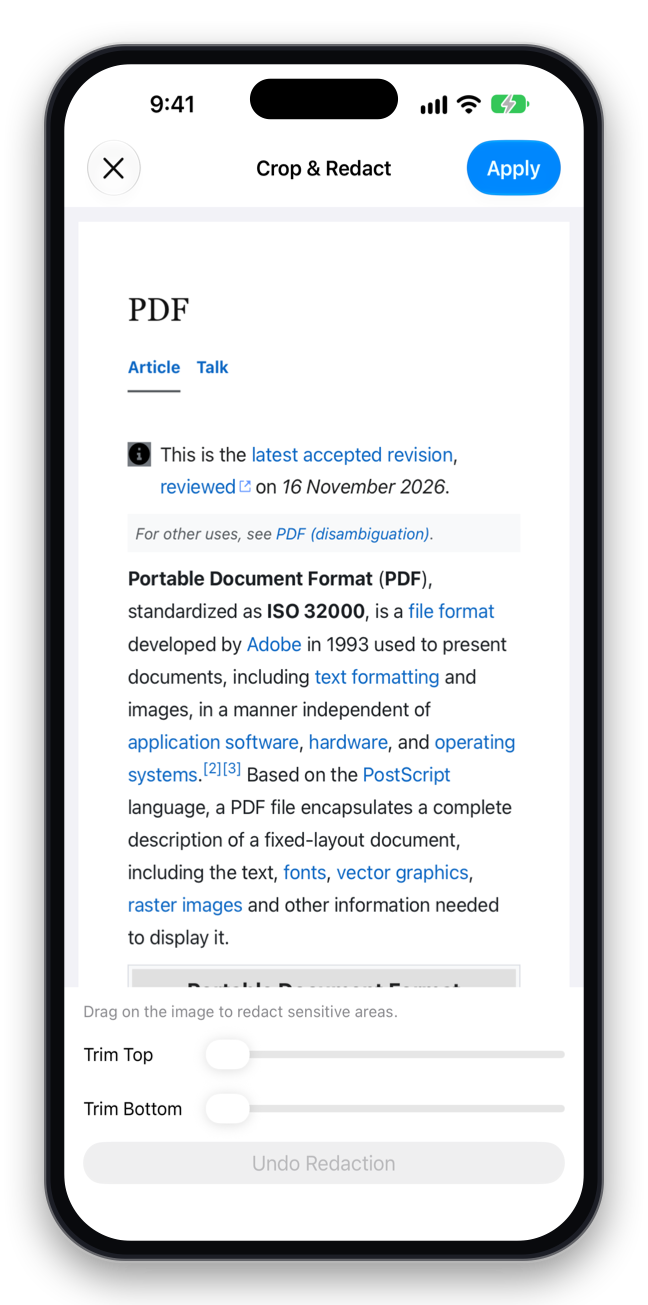
Trim edges, mask private info before sharing, and split tall images into 3:4, 9:16, or A4 cards.
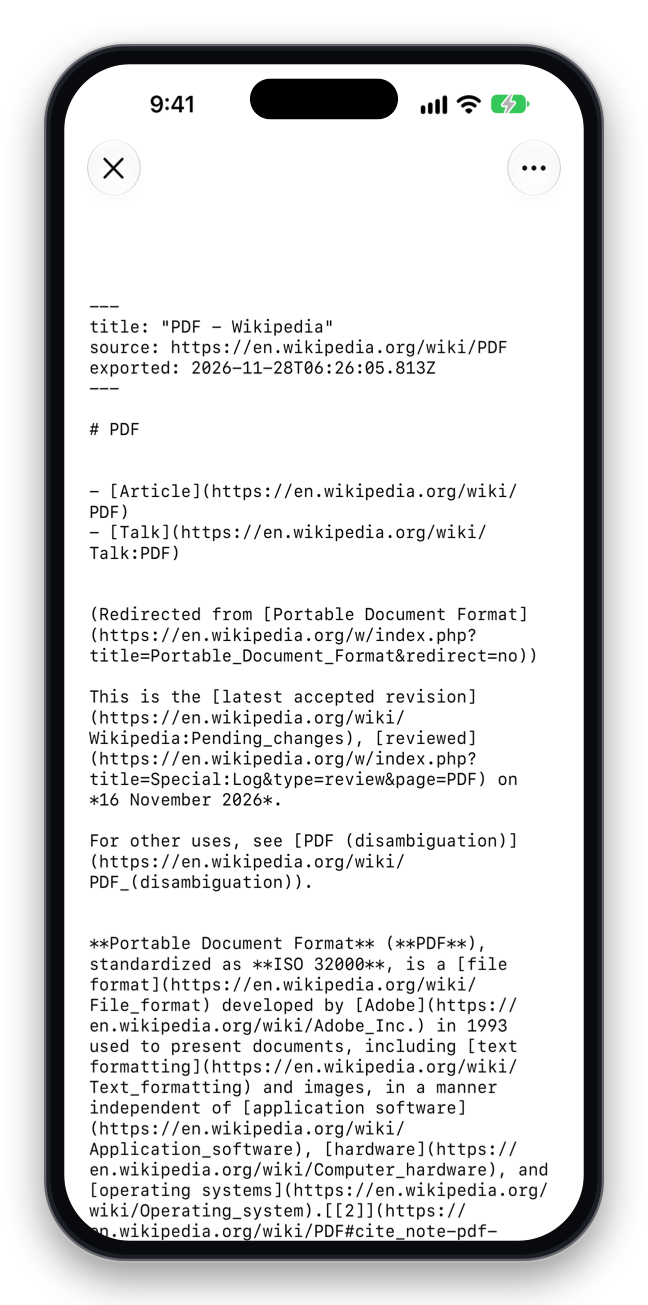
Clean structured Markdown with source links—ready for ChatGPT, Claude, Obsidian, and Notion.
Self-contained webpage snapshots that stay readable even if the original link disappears.
Combine multiple PDFs, delete pages, shrink file size, organize by folders, or transfer via Wi-Fi.
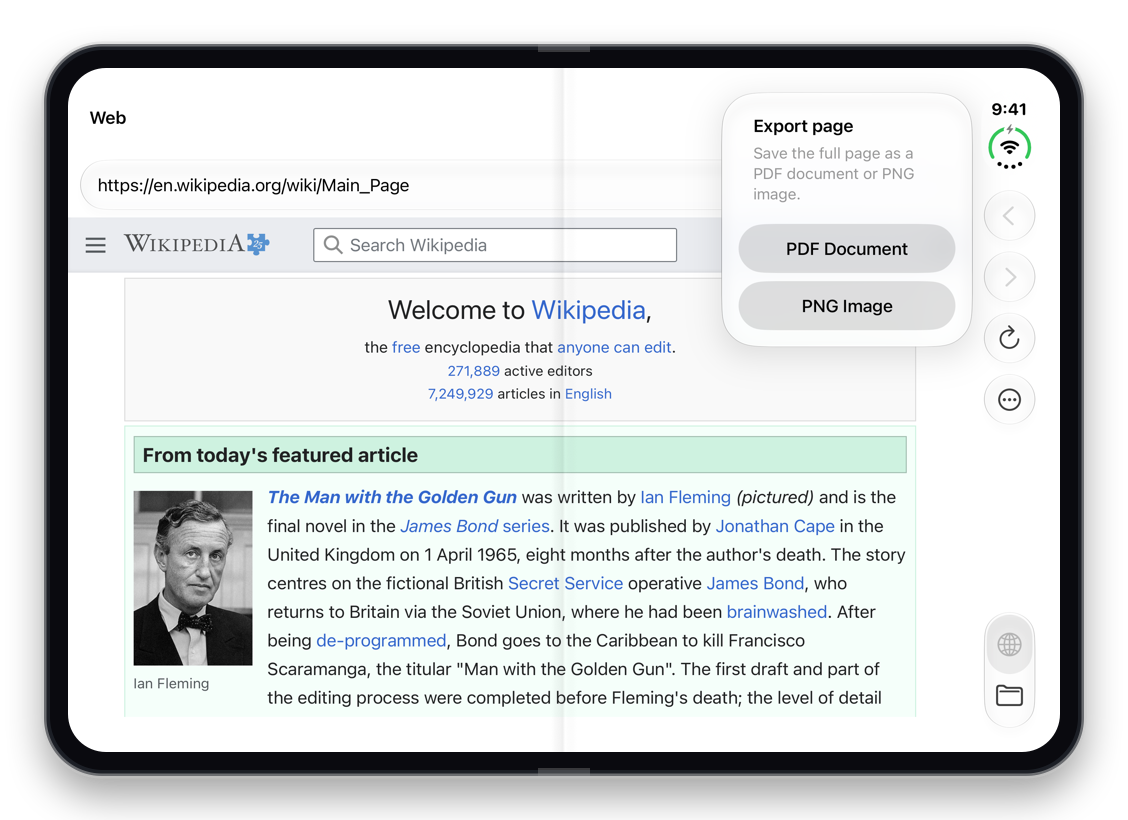
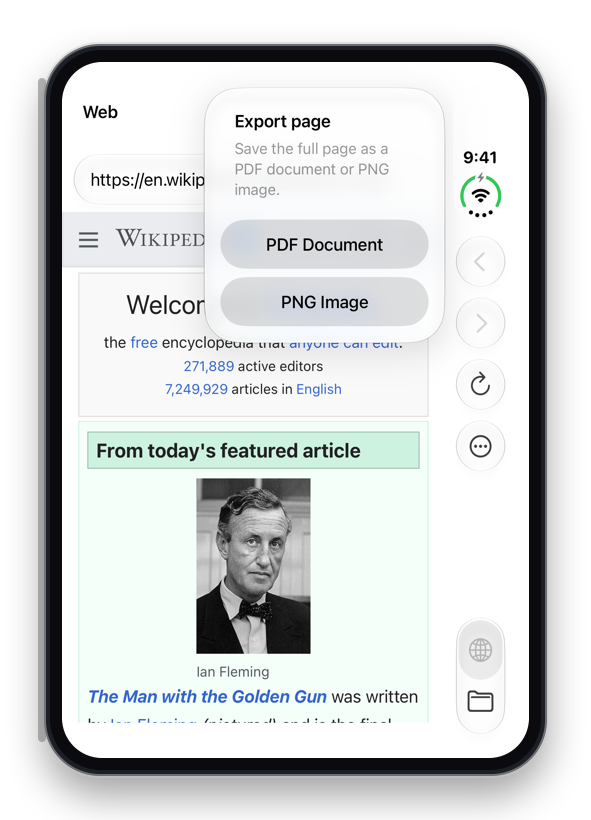
Unfold for full-width reading and multi-column files, or fold for quick one-handed capture.
Toggle Clean Reader Mode, A4/Letter pagination, source URL headers, and lazy-image preloading in one sheet.
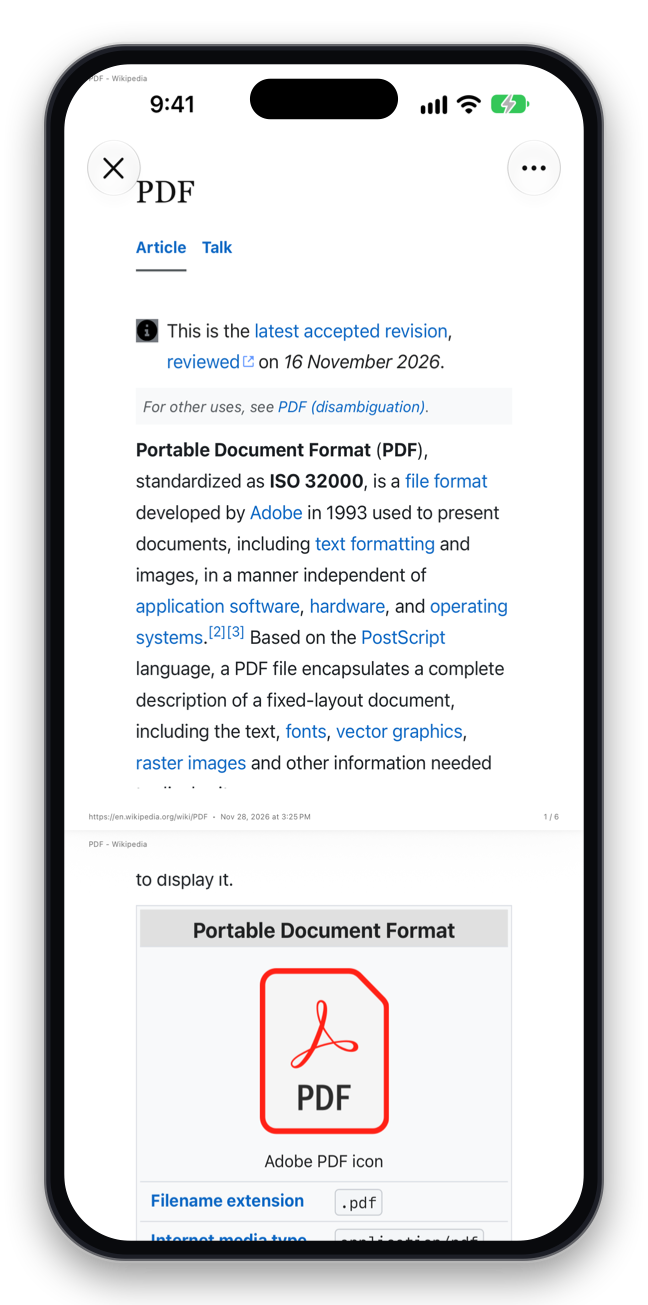
Search, select, remove trailing pages, or compress file size right before saving or sharing.
Drag to mask sensitive details on orders or receipts, trim top and bottom clutter, or split into 3:4 / 9:16 images.
Copy or export clean Markdown with title, URL, and date—ready to paste into AI tools or Obsidian.
Filter by format or folder, revisit the original webpage anytime, merge PDFs, or download over local Wi-Fi.
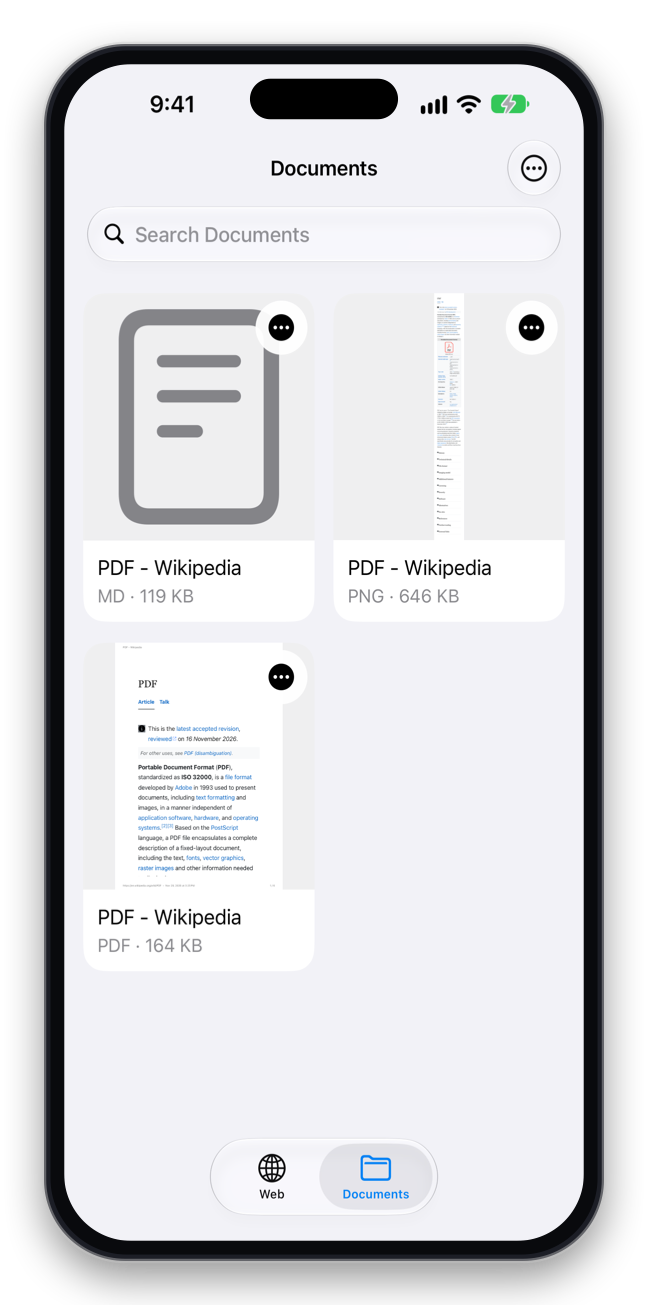
Searchable PDF (Continuous, A4, or Letter), lossless PNG, compact JPEG, Markdown (.md), and offline HTML.
Yes. Turn on Clean Reader Mode in Export Options to keep only clean article content.
Yes. Tap Share in Safari and pick PDFMaker to export without switching apps.
No. Everything stays privately on your device with no account required.
For iPhone, iPhone Duo, and iPad.